Cognition Method Tools Hub
Specs, settings, and the unromantic checks that keep a gravity well from becoming a driver problem.
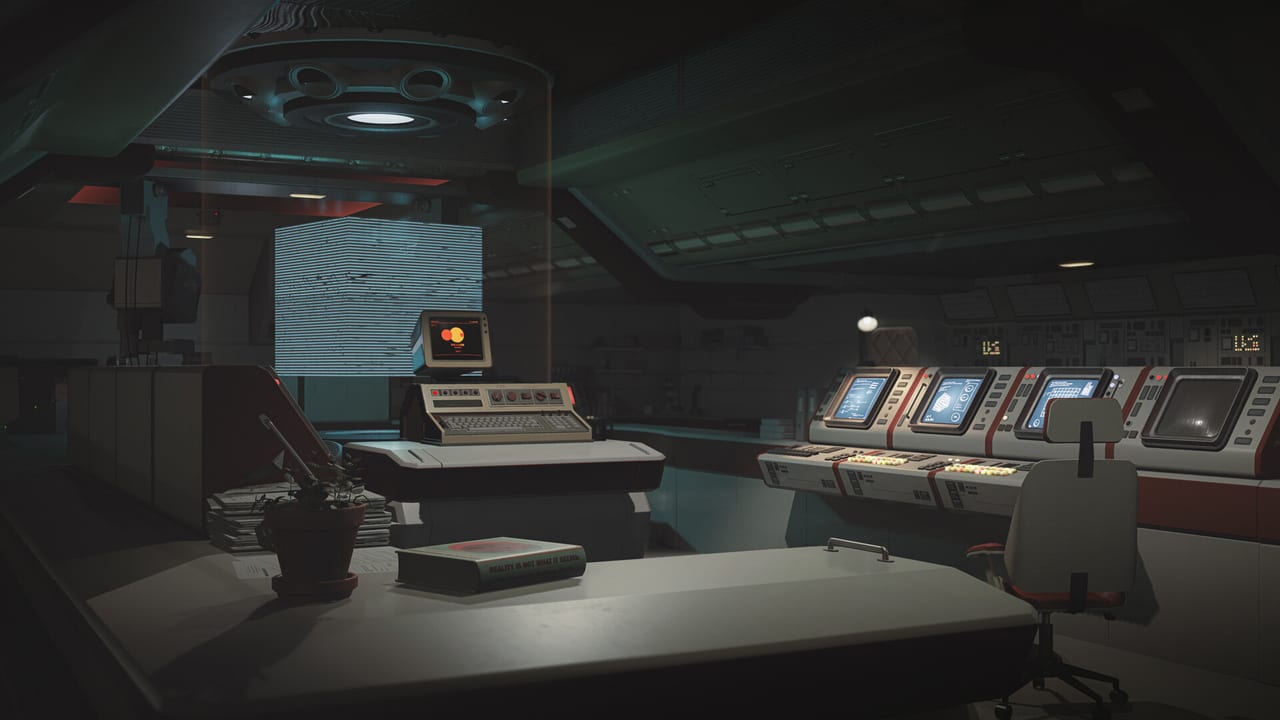
Cognition Method is a quiet game until your machine is loud. This hub is the practical half of the wiki: can you run the 2026 build, how should you set brightness and camera, and what “full controller support” means when down changes. Gameplay tutorials live in Guides. Dates live in Updates. Store links live in Links.
Two spec sheets, one launch
Initiation’s 2021 minimums (Windows 7, 2 GB RAM, GTX 480-class) are not a promise about William Mortwood’s lighting. The full game’s Steam page asks for Windows 10 64-bit, 8 GB RAM, a GTX 1060 / RX 580, and 20 GB of disk. The full table, plus Deck and Linux caveats, is on system requirements.
If you last touched the Cube on a very old laptop, replay Initiation for the puzzles, then read the 2026 numbers before you take launch day off.
Settings are part of the puzzle
Gravity sickness is real. So is crushed concrete. Settings covers look speed, brightness, subtitles (English has full audio; many other languages are text), controller comfort, and why photo mode wants motion blur off. It is not a graphics-benchmark blog. It is a comfort page for a game that weaponizes orientation. Handheld players should open the dedicated Steam Deck note. There is no verification badge yet; that page separates a 2024 show-floor anecdote from the Windows-first store flags.
What this hub will not pretend to be
- A damage calculator
- A code redeemer
- A Trello clone with fake task cards
- A ping tester (this is a single-player game)
If a tool does not help you enter the Artifact, it does not belong here. After launch, the honest additions are: confirmed Deck status, a real options-menu screenshot list, and any accessibility toggles the studio ships. Until then we cite Steam and the demos, not a fantasy UI.
Launch-week checklist (short)
- Wishlist and disk space — release date and launch week
- GPU/RAM vs the 2026 table — system requirements
- Bind comfort and Tab — controls and settings
- One demo so the first well is not also your first crash — getting started
- Optional: photo-mode key far from jump — photo mode
- Handheld only? Read Steam Deck before you treat a show demo as a gold badge
That is the whole toolkit. The rest is architecture.
Why a puzzle game still needs a tools section
Players search “Cognition Method system requirements” and “Steam Deck” as often as they search walkthroughs, especially in the week before a dated Steam unlock. A gravity well that hitch-stutters is not a clever riddle. A camera that snaps 180 degrees on a pad with no dead zone is not a theme. This hub exists so those searches land on a page that cites Steam instead of a screenshot from 2021 Initiation.
If you arrived from the guides hub, you already know the Cube’s manners. If you arrived from updates, you already know the 1 September 2026 number. Tools is the remaining question: will your machine and your stomach agree with the well? Read system requirements for the machine. Read settings for the stomach. Then go back to gravity puzzles and forget this hub until something drops frames.
Frequently Asked Questions
Quick answers to the most common questions.
Where are the 2026 system requirements?
On the system requirements page, copied from the current Steam listing.
Is there a settings tool in-browser?
No. Use the in-game options. Settings explains what to look for.
Does this game need a high-end GPU?
The published minimum is a GTX 1060 / RX 580 class card with 8 GB RAM. Read the table rather than guessing from Initiation.