Cognition Method Settings
Comfort first, fidelity second — gravity rooms punish a twitch-shooter camera.
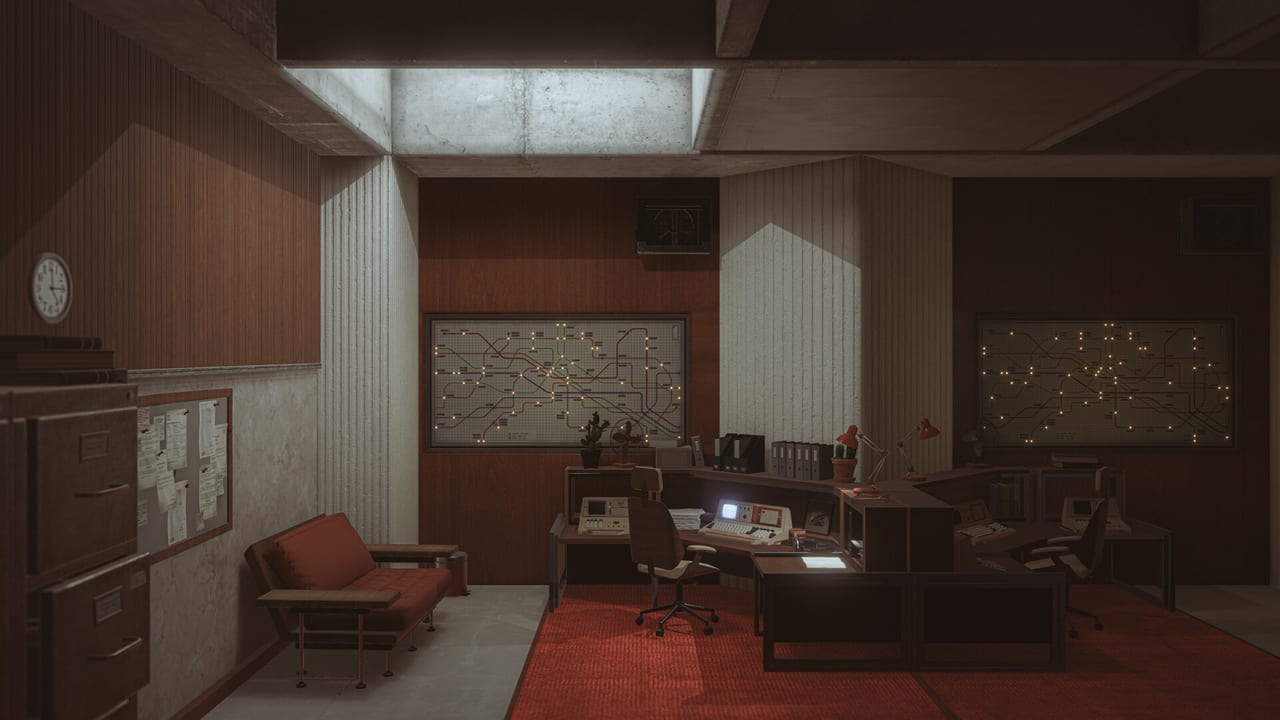
Cognition Method will not ask you to tune a 40-slider graphics suite in public. It will ask you to look at a wall that used to be a floor. This page is a settings guide written from Steam flags, demo UX, and the way the game is actually framed — not from a leaked INI. The short studio clip in the middle is the localization teaser: languages were being wired before the 2026 date; it is not a slider tutorial. When the 1 September 2026 options menu is visible, the labels here should be checked against it. Until then, treat this as a comfort checklist. Hardware numbers live on system requirements. Binds live on controls.
Camera and motion comfort
The expensive setting is look speed. Gravity wells plus a high sensitivity is how people quit. Start lower than your usual FPS value. If the public demo or full pause menu exposes:
- Look / mouse sensitivity
- Controller stick sensitivity and dead zone
- Invert look
- Motion blur
- Head bob / camera shake
…then: low shake, optional invert only if you already live that way, motion blur off if you photograph or get sick. DualShock / DualSense are supported on the full-game store flags, so a pad is valid. Do not copy a competitive FPS dead zone; you are lining up cubes, not tracking heads.
If a timing ledge after a well still feels like the camera is late, the issue may be the well, not the GPU. Read gravity puzzles before you crank sensitivity back up.
Picture: let concrete stay gray
Ando-like halls die when brightness is a U-shaped “gamer” curve. Raise brightness only until you can read joints in shadow. Do not HDR-tone a title that did not sell HDR on the store list we copied. Prefer a stable frame rate over extra particles. VSync on is fine; tearing in a long corridor feels like a bug in a game about geometry.
Resolution: 1080p is enough. 4K is a photo-mode luxury. If you are at the GTX 1060 minimum, stay 1080p and skip flycam until the room is solved — photo mode.
Audio and language
English is the full-audio language. Steam also lists a long subtitle set, including French, German, Spanish (Spain), Portuguese-Brazil, and others this wiki does not ship as UI (we skip Simplified Chinese and Russian on purpose, and we only localize the site into English plus three mainstream languages). In-game, turn subtitles on even if you speak English. Interference, overlapping logs, and quiet delivery are the point. Headphones beat a laptop tin.
If you play a non-English OS, set the game language in Steam’s properties. The wiki language switcher will not change the game’s Wwise bank.
Accessibility of information, not a full AAC suite
Confirmed UX help in the 2024 public demo: Tab restates the last thought and next step. That is an accessibility feature even if it was billed as an objective system. Use it. Color-only puzzles should be rare in a gray world, but do not assume a colorblind mode exists until the options menu says so. We will not invent one.
Photo mode vs campaign settings
Photo mode wants:
- Motion blur off
- A locked, high-sharpness picture
- A key that is not jump
Campaign wants:
- Comfortable look speed
- Readable brightness
- Subtitles
Do not optimize the whole game for a contest shot and then fail a plate. The May 2026 contest is documented on the photo mode page.
Controllers, Cloud, and overlay junk
Full controller support is a store flag. Steam Cloud is a store flag. The overlay is optional. In a game about silence, Discord overlay and FPS counters are visual noise. Turn them off for the Artifact; turn them on if you are diagnosing a 20 GB install on a dying HDD.
Family Sharing is listed. That shares the license, not a two-player session. There is no shared session.
A sane first-boot order on 1 September 2026
- Language + subtitles
- Look speed
- Brightness until concrete reads
- Confirm controller or mouse, not both fighting
- Play the first well before you touch graphics quality
- Only then open photo mode
If the build will not start, you have a spec problem, not a settings problem: system requirements. If it starts and you are lost, you have a design problem the wiki can help with: getting started, then the demo walkthrough if you are still on a teaser.
Keep this page boring. Boring settings are how a serious puzzle stays serious.
Frequently Asked Questions
Quick answers to the most common questions.
What settings matter most?
Look speed, brightness, and subtitles. Gravity rooms punish twitch cameras and crushed shadows.
Should I enable motion blur?
Off if you get sick or use photo mode. Optional for campaign flavor.
Does Tab count as a setting?
It is a demo UX feature (2024) that restates objectives. Use it. Details on controls.